
Your website is often the first-place customers to interact with your brand. But if it is not properly secured, it can quickly become a target for cyberattacks, data theft, phishing abuse, and brand impersonation. A compromised website does not just affect your system; it can damage customer trust, search rankings, and your company’s reputation.
Here are the top signs your website may not be secure, plus fast steps you can take to fix the problem.
- Your Website Does Not Use HTTPS
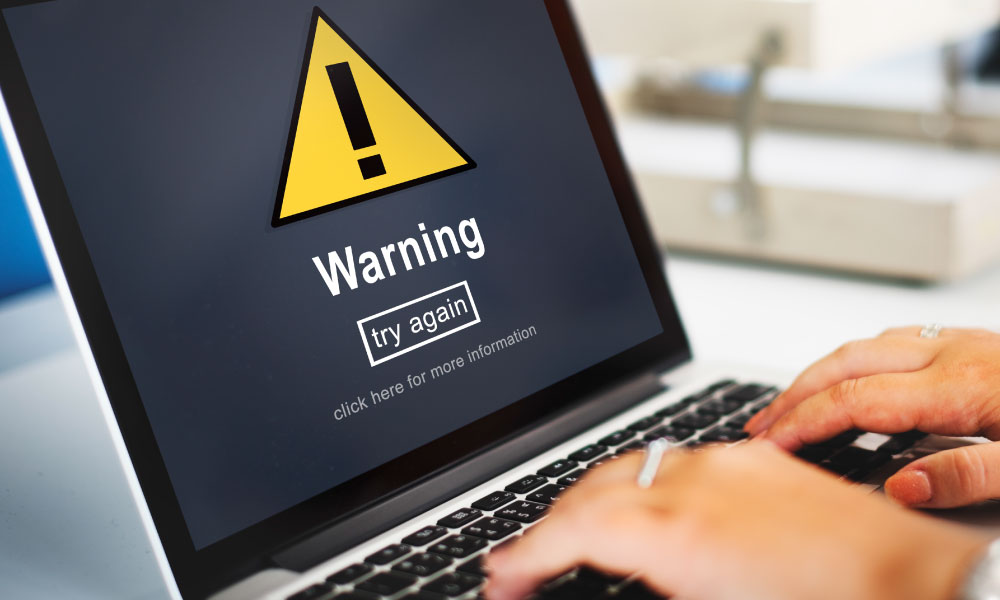
One of the clearest warning signs is a missing HTTPS connection. If your website still shows “Not Secure” in the browser, visitors may immediately lose confidence. HTTPS protects information exchanged between your website and users, such as login details, contact forms, and payment information.
How to fix it fast:
Install an SSL/TLS certificate and make sure all pages redirect from HTTP to HTTPS. After installation, check for mixed content errors, such as images or scripts still loading through HTTP.
- Your Software, Plugins, or CMS Are Outdated
Many attacks happen because websites run outdated software. If your CMS, themes, plugins, extensions, or server software are not updated regularly, attackers may exploit known vulnerabilities.
How to fix it fast:
Update your CMS, plugins, themes, and server environment immediately. Remove unused plugins and themes, as they can still create security risks even if they are inactive. Enable automatic updates where appropriate.
- You Use Weak Passwords or Shared Admin Access
Simple passwords, reused passwords, and shared admin accounts make it easier for attackers to break in. If several people use the same login, it also becomes harder to track suspicious activity.
How to fix it fast:
Use strong, unique passwords for every account. Enable multi-factor authentication for all admin users. Create separate accounts for each team member and limit access based on role.
- Your Website Has Strange Pop-ups, Redirects, or Unknown Pages
Unexpected pop-ups, spammy redirects, unfamiliar landing pages, or suspicious links can indicate that your website has been compromised. These issues can harm users and may cause search engines to flag your site.
How to fix it fast:
Scan your website for malware and unauthorized files. Review your website files, databases, and admin users. Remove suspicious code and restore it from a clean backup if necessary. After cleaning up, submit your site for review if it has been blacklisted.
- YouDon’tHave Regular Backups
If your website is hacked, damaged, or accidentally changed, a recent backup can save you from major downtime. Without backups, recovery can take longer and cost more.
How to fix it fast:
Set up automatic backups on a daily or weekly schedule, depending on how often your website changes. Store backups in a secure, separate location and test restoration regularly.
- Your Forms and Login Pages Are Not Protected
Contact forms, login pages, and checkout pages are common targets for spam, brute-force attacks, and data abuse. If these areas are not protected, attackers can overload your site or attempt unauthorized access.
How to fix it fast:
Add CAPTCHA or anti-spam protection to forms. Limit login attempts, use secure form validation, and protect sensitive pages with additional security controls.
- Your Brand Is Being Misused Online
Website security is not only about protecting your own domain. Cybercriminals may create fake websites, lookalike domains, phishing pages, or fake social media profiles that impersonate your brand. Customers may think they are dealing with your company when they are actually being targeted by fraudsters.
How to fix it fast:
Monitor domain registrations that resemble your brand name. Watch for phishing pages, fake ads, suspicious social profiles, and unauthorized use of your logo or company identity. When threats are found, act quickly with takedown requests, domain enforcement, and customer alerts.
Why Digital Brand Protection Matters
Digital Brand Protection helps businesses monitor and defend their brand across the internet. This includes detecting fake domains, phishing websites, impersonation attempts, counterfeit pages, and unauthorized brand usage.
For WebNIC, Digital Brand Protection is an important part of a complete security strategy. Even if your official website is secure, attackers can still damage your reputation by creating fake websites that look similar to yours. These attacks can confuse customers, steal sensitive data, and reduce trust in your brand.
Website security should never be treated as a one-time task. It is an ongoing commitment. The faster you identify the warning signs, the faster you can protect your website and your brand.